Nearest centre
Kochi
Our Kochi centre is in Kochi. Come in for counselling and classes; call before you visit.
2nd floor Kaloor Complex, Kochi, Ernakulam682017
Automation
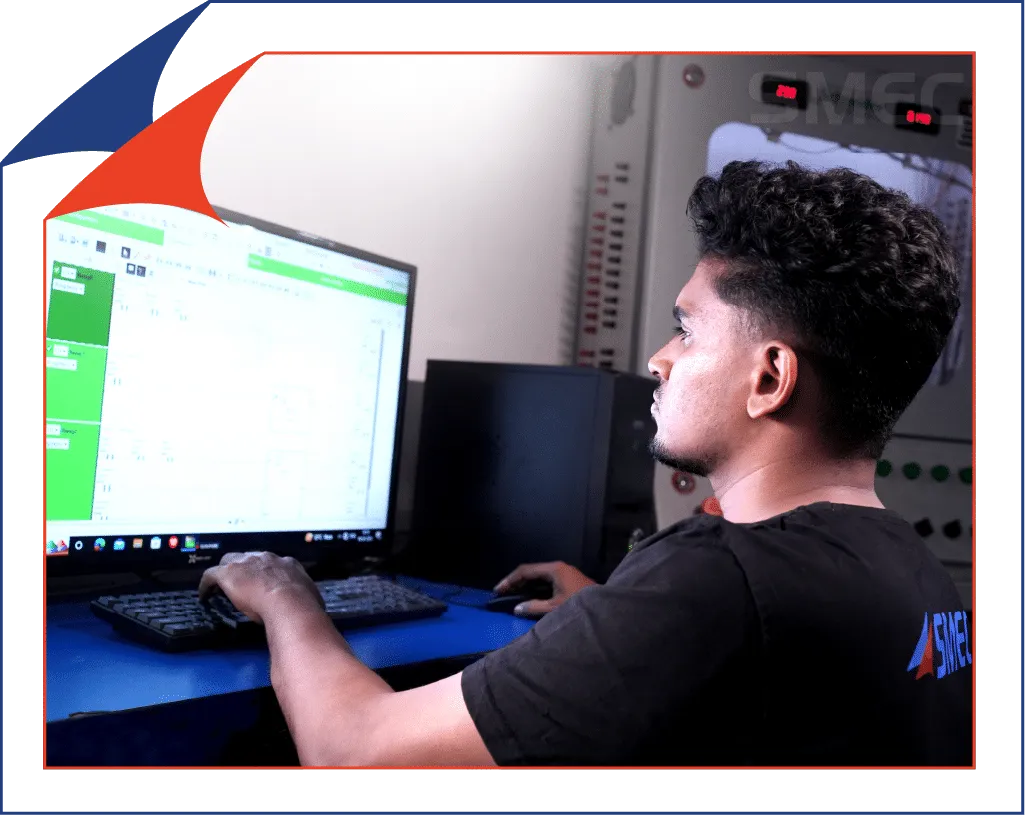
Kochi is Kerala’s port city: Cochin Shipyard, the BPCL Kochi Refinery, the Vallarpadam container terminal and Infopark are all here. Ships and ports depend on automated engines, pumps and cranes, and the course’s PLC, SCADA and drives work carries straight over to marine automation. Our Kochi centre is in the city, at 2nd floor Kaloor Complex, Kochi, Ernakulam: study in the classroom, or take the same 240-hour course live online.
The main course
Industrial Automation Course With AIThe full syllabus, projects, certificates and placements of the automation course.
See the full courseNearest centre
Our Kochi centre is in Kochi. Come in for counselling and classes; call before you visit.
2nd floor Kaloor Complex, Kochi, ErnakulamThe same syllabus and certificate as the classroom batches, taught live by our trainers. Join from Kochi on a laptop.
Next batch: 9 November 2026 (Kochi)
New batches start through the year. Ask for the dates, the fee and a copy of the syllabus.
Ask for the next batchIntroduction in Industrial Automation Training, Logic pro, Basic Programs, Compar, Blocks, Move Blocks (MOV, MVI), Math Blocks (ADD, SUB, DIV, MUL), One Shot Raising – OSR, One shot Falling – OSF, FIFO – First In First Out, LIFO –, Last In First Out, Sequencers (SQL, SQO, SQC), Bit Shift Left – BSL, Bit Shift Right –, BSR, Jump – Label, Subroutine
Introduction to SCADA, Creating New Projects, Digital Tags, Objects & Symbols, Scripting, Analog Tags, Tag Properties, Animating Objects (Filling, Moving, Visibility, etc.), Real-time Trends, Historical Trends, Alarm Summary, Alarm History, Alarm Grouping, Page Navigation, Tag Grouping, Recipe, Security, Excel Communication
Introduction to VFD, Construction and Working, Setting Basic Parameters, Setting Control Options, Setting I/O, Speeds, Breaking, Monitoring
Introduction – DCS, DCS Hardware/Architecture, I/O Module Configuration, Controller, Configuration, Controller Module Configuration, Programming-DCS, Basic I/O, Logic Gates, Timer/Counter, Compare/Compute, SCADA, Basic Introduction, Digital/Analog, Animation, Trend/Alarm, Communication
Communication methods, Different modes, Communication Configuration with Hardware and Software, Communication Protocol concepts, Interfacing concepts, Data sharing with controller & SCADA, Data sharing with controller & HMI, Data sharing with controller & Field Devices, Interfacing SCADA With Field Devices, Communication with MODBUS, PROFINET Protocols, PLC to PLC Communication with Master Slave Concept, PLC –, LabVIEW Interfacing, PLC-SCADA-VFD-Mobile controlling, PLC -DCS Controlling, PLC to PAC Communication with Master Slave Concept, Addressing codes : Digital, Analog, , String types, Controlling PLC from remote area, Communication cable design and details, Programming cable and communication cable details.
MCC Panel, Introduction to AC Motors, Introduction to MCC Panel (Motor Control Centre), Starting, Controlling and Protection of Motor, Starters – DOL Starter, Star –, Delta Starter
IPSW (Industrial Standard Panel Wiring), PLC Wiring, Panel Designing, VFD-PAC Communication
Introduction to P & FI, Calibration, Transducer Sensor, Basic Instrumentation Parameters & Variables, Level Measurement, Temperature Measurement, Flow Measurement, Pressure Measurement
IIoT(Industrial Internet of Things)
Testing & Troubleshooting
At 2nd floor Kaloor Complex, Kochi, Ernakulam. Call +919958873874 before you visit to check the day’s classes.
Yes. The course runs as live online classes as well as in the classroom, with the same syllabus and certificate, so you can start from Kochi and visit the centre for practical sessions.
240 hours, taught in the classroom and online. The course page lists every module and its hours.
It depends on the programme and the batch you choose. Send an enquiry and a counsellor will share the current fee, the next batch dates and the syllabus.
Yes, placement support is part of the course. The automation course page shows recent students’ placement stories; ask a counsellor about current openings.
Join a live session with our trainer and see how the course is taught.
Your next chapter
Talk to our team about Automation Training in Kochi | Automation Course in Kochi,Kerala.