Industry-focused learning. Real-world possibilities.Talk to our team +91 99588 73874

Creative & MarketingDesign, edit & build your portfolio

Graphic Design Courses in Kerala

Turn ideas into visual stories.

Explore graphic design, branding, motion graphics and film editing. Build practical creative skills through design projects and portfolio development.

  • Graphic design
  • Video editing
  • Portfolio projects
Who can join
  • Plus Two
  • Degree
  • Btech
  • Tech Degree
In association withNSDC Logo SMEClabsSkill Development And Entrepreneurship SMEClabsconfederation of india logo smeclabsJain University logo smeclabsskill india logo smeclabs

Prefer to talk? Call +91 99588 73874

Graphic Design Courses Kerala
of training
25+ years
trained
36,270+
hands-on lab
40,000 sq ft
Department
Creative & Marketing
Choose your pathway
2 specialist programmes
Course duration
7 to 12 months
Training focus
Graphic design

Courses we offer

Compare the programme details below, then explore the syllabus and discuss your preferred pathway with admissions.

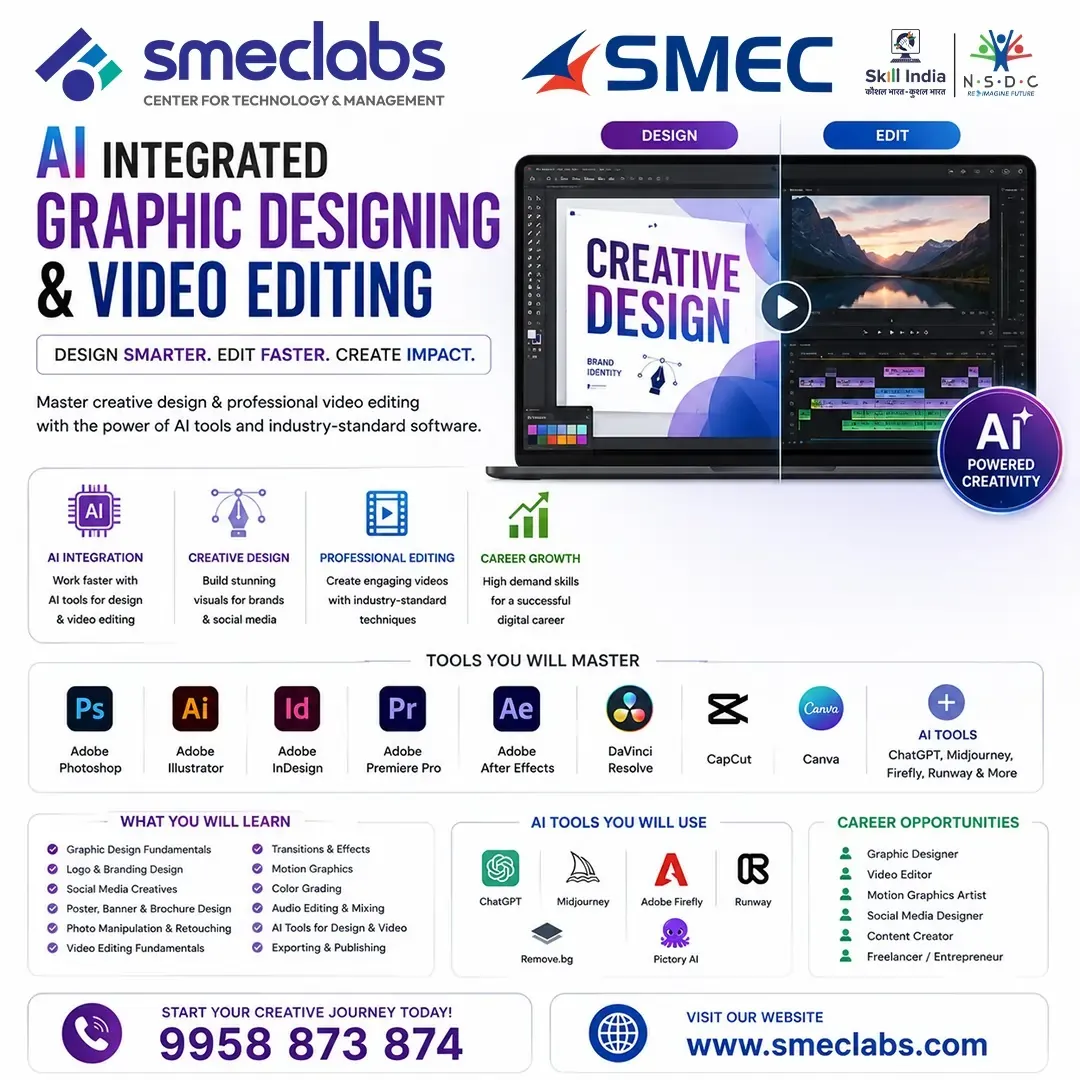
AI Integrated Graphic Designing & Video Editing

Masters

AI Integrated Graphic Designing & Video Editing

  • 7 months
  • Course code 47000
Eligibility:
Plus Two and Above

Placement support

View syllabusHide syllabus

Course syllabus

  1. Module 1 — Adobe Photoshop with AI tools
    • Basics of Photoshop
    • Intermediate Editing Skills
    • Design & Composition
    • AI Tools in Photoshop
    • Example uses:
    • Advanced AI Workflows
    • External AI Tools Integration
    • Real-World Projects
    • Professional Skills
  2. Module 2 — Adobe Illustrator with AI tools
    • Basics of Illustrator
    • Core Drawing Skills
    • Typography & Design
    • AI Tools in Illustrator
    • Advanced Illustration Techniques
    • External AI Integration
    • Real-World Projects
    • Professional Workflow
  3. Module 3 — Adobe InDesign with AI tools
    • Basics of InDesign
    • Layout & Typography
    • Design for Print & Digital
    • AI Features in InDesign
    • Example uses:
    • Advanced Layout Techniques
    • External AI Integration
    • Real-World Projects
    • Professional Workflow
  4. Module 4 — CorelDRAW
    • Basics of CorelDRAW
    • Core Drawing Skills
    • Design & Typography
    • AI Tools in CorelDRAW
    • Example uses:
    • Advanced Design Techniques
    • External AI Integration
    • Real-World Projects
    • Professional Workflow
  5. Module 5 — Adobe Premiere Pro with AI tools
    • Basics of Premiere Pro
    • Core Editing Skills
    • Advanced Editing Techniques
    • AI Tools in Premiere Pro
    • Advanced AI Workflows
    • External AI Integration
    • Real-World Projects
    • Professional Workflow
  6. Module 6 — Canva Pro with AI tools
    • Basics of Canva
    • Design Fundamentals
    • Canva Pro Features
    • AI Tools in Canva
    • Advanced Design Skills
    • Real-World Projects
    • Professional Workflow

Questions about this syllabus?

CallEnquire
Master Program in Film Editing & Post Production with Geni AI

Diploma

Master Program in Film Editing & Post Production with Gen AI

Editing, colour grading, sound, motion graphics, VFX and Gen AI tools over 12 months, ending in a short film and your showreel.

  • 12 months
  • Course code 47001
Eligibility:
Plus Two and Above

Placement support

View syllabusHide syllabus

Course syllabus

  1. Module 1 — Basics of Film Editing
    • What is film editing and why it is called the “invisible art”
    • Role of an editor in storytelling
    • Evolution of editing (film to digital era)
    • Responsibilities of an editor in pre-production, production,and post-production
    • Understanding pace, rhythm, and emotion in editing
  2. Module 2 — Linear vs Non-Linear Editing
    • Definition and working of Linear Editing (Tape-based)
    • Definition and workflow of Non-Linear Editing (Digital)
    • Advantages and limitations of both methods
    • Introduction to modern editing workflows used in cinema & OTT
    • Real-world examples of editing pipelines
  3. Module 3 — Frame Rate, Resolution & Aspect Ratio
    • What is Frame Rate (FPS) – 24fps, 25fps, 30fps, 60fps
    • Slow motion and high frame rate usage
    • Understanding Resolution (HD, Full HD, 2K, 4K, 6K, 8K)
    • What is Aspect Ratio (16:9, 2.39:1, 1:1, 9:16)
    • How technical settings affect storytelling & platform delivery
    • Matching footage with timeline settings
  4. Module 4 — Editing Language & Film Grammar
    • Understanding visual storytelling rules
    • Continuity editing principles
    • 180-degree rule & screen direction
    • Match cuts and visual flow
    • Shot composition impact on editing
    • Building emotional connection through cuts
  5. Module 5 — Types of Cuts & Transitions
    • Hard cut (straight cut)
    • Jump cut
    • Match cut
    • Cutaway & insert shots
    • Cross cutting (parallel editing)
    • L cut & J cut (audio-based transitions)
    • Dissolve, fade in/out, wipe transitions
    • When to use and avoid transitions
  6. Module 6 — Understanding Timeline Structure
    • Timeline basics in editing software
    • Tracks (video & audio layers)
    • Clips, sequences, and bins
    • Timecode and its importance
    • Markers and organization techniques
    • Workflow for assembling a rough cut
  7. Module 7 — Software Introduction
    • Interface overview
    • Media import and organization
    • Creating projects and timelines
    • Basic editing tools (cut, trim, ripple, roll)
    • Playback controls and shortcuts
  8. Module 8 — Hands-on Exercises
    • Cutting a simple scene (continuity editing)
    • Creating a basic montage
    • Practicing different types of cuts
    • Syncing audio with video
    • Exporting final video in different formats
  9. Module 9 — Dialogue Scene Editing
    • Understanding conversational flow and timing
    • Shot-reverse-shot technique
    • Maintaining eye-line match and screen direction
    • Cutting on reactions vs dialogue
    • Handling pauses, overlaps, and interruptions
    • Creating natural rhythm and realism in conversations
  10. Module 10 — Action Scene Editing
    • Fast-paced cutting techniques
    • Maintaining spatial clarity in action sequences
    • Use of wide, mid, and close shots for impact
    • Continuity in movement and direction
    • Cutting on motion for smooth transitions
    • Enhancing energy using quick cuts and dynamic pacing
  11. Module 11 — Emotional Scene Rhythm
    • Slower pacing for emotional depth
    • Holding shots for performance impact
    • Use of silence and pauses
    • Reaction shots and micro-expressions
    • Building audience connection through timing
    • When NOT to cut (power of stillness)
  12. Module 12 — Montage Editing
    • Concept of time compression
    • Visual storytelling without dialogue
    • Types of montage (training montage, parallel montage, thematic montage)
    • Use of music to drive visuals
    • Symbolism and visual metaphors
    • Creating narrative progression through montage
  13. Module 13 — Song Editing Basics
    • Syncing visuals with beats and rhythm
    • Lip-sync techniques
    • Matching choreography with cuts
    • Beat detection and timing
    • Visual transitions based on music cues
    • Creating cinematic song sequences
  14. Module 14 — Continuity Editing
    • Maintaining visual consistency between shots
    • Match on action
    • Eyeline match and screen direction
    • Avoiding jump cuts (unless intentional)
    • Logical flow of time and space
    • Fixing continuity errors using cutaways
  15. Module 15 — Parallel Editing (Cross Cutting)
    • Cutting between two or more simultaneous actions
    • Building tension and suspense
    • Intercutting different storylines
    • Timing cuts to create emotional or dramatic impact
    • Examples: rescue sequences, climax intercuts
  16. Module 16 — Multi-Camera Scene Editing
    • Syncing multiple camera angles
    • Switching between angles smoothly
    • Choosing best angle for storytelling
    • Live-event style vs cinematic multi-cam editing
    • Maintaining continuity across cameras
  17. Module 17 — Shot Selection & Performance Selection
    • Choosing the best takes from multiple options
    • Evaluating actor performance
    • Selecting shots based on emotion, not just technical quality
    • Combining different takes seamlessly
    • Building strong character moments
  18. Module 18 — Cut Rhythm & Pace Development
    • Understanding pacing for different genres
    • Fast vs slow editing styles
    • Beat-based cutting vs emotion-based cutting
    • Developing editing intuition
    • Practicing rhythm through music and dialogue scenes
  19. Module 19 — Sound Layering Basics
    • Introduction to sound design in editing
    • Dialogue, ambience, and effects layering
    • Importance of background sound (room tone)
    • Basic audio balancing and levels
    • Using sound to enhance cuts and transitions
    • Introduction to J-cuts and L-cuts in audio
  20. Module 20 — Spot Editing Introduction
    • What is Spot Editing and its importance in modern filmmaking
    • Difference between on-set editing and post-production editing
    • Role of spot editing in commercials, films, and OTT productions
    • Advantages: instant feedback, time-saving, creative control
    • Real-time decision making during shoot
  21. Module 21 — On-Set Editing Roles & Responsibilities
    • Role of a Spot Editor / On-Set Editor
    • Coordination with DIT team, camera crew, and assistant directors
    • Managing footage flow from camera to editing system
    • Ensuring data safety and organization on set
    • Communicating issues (missing shots, continuity errors) instantly
    • Maintaining workflow efficiency under time pressure
  22. Module 22 — Working with Directors & Cinematographers
    • Understanding director’s vision and storytelling style
    • Collaborating with cinematographer for shot continuity
    • Providing live feedback on shot quality and coverage
    • Suggesting retakes based on edit requirements
    • Handling creative discussions professionally on set
    • Building trust with the core filmmaking team
  23. Module 23 — Quick Assembly Techniques
    • Creating rough cuts immediately after shooting
    • Identifying best takes quickly
    • Assembling scenes for preview (client/director approval)
    • Speed editing techniques using shortcuts and presets
    • Organizing clips efficiently under time constraints
    • Delivering quick outputs for on-set review
  24. Module 24 — Cinema Camera Signal Flow
    • Understanding camera output signals (SDI / HDMI)
    • Basics of signal flow from camera to monitor and system
    • Role of video assist and on-set monitoring
    • Live feed capture for editing
    • Troubleshooting signal issues
  25. Module 25 — Blackmagic Recording Workflow
    • Overview of Blackmagic Design ecosystem
    • Working with ARRI, RED
    • Recording formats (RAW, ProRes)
    • Using Blackmagic Video Assist for external recording
    • Managing high-quality footage on set
  26. Module 26 — Media Express & Capture Workflows
    • Introduction to Blackmagic Media Express software
    • Capturing live feed into the editing system
    • Setting up recording formats and codecs
    • Real-time monitoring and recording
    • File management during capture
  27. Module 27 — SDI & Thunderbolt Workflow Setup
    • Understanding SDI cables and their advantages in film sets
    • Thunderbolt connectivity for high-speed data transfer
    • Connecting capture devices (UltraStudio / DeckLink)
    • Setting up a complete on-set editing station
    • Ensuring stable and efficient data flow
  28. Module 28 — Data Backup Workflow
    • Importance of data safety on set
    • 3-2-1 backup rule (3 copies, 2 drives, 1 off-site)
    • Using multiple storage devices (SSD, HDD)
    • Organizing data by scene, shot, and take
    • Avoiding data loss and corruption
  29. Module 29 — Card Copy & Verification
    • Proper method of copying camera cards
    • Using verification software (checksum process)
    • Tools like ShotPut Pro / Hedge (industry practice)
    • Maintaining log sheets and reports
    • Safe formatting and reusing memory cards
  30. Module 30 — LUT Application Basics
    • What is a LUT (Look-Up Table)
    • Difference between technical LUT and creative LUT
    • Applying LUTs for preview on set
    • Understanding LOG footage vs Rec.709
    • Helping director visualize final output
  31. Module 31 — Proxy Creation Workflow
    • What are proxies and why they are important
    • Creating low-resolution files for faster editing
    • Linking proxies with original footage
    • Workflow between on-set and post-production
    • Saving time in heavy projects (4K/6K workflows)
  32. Module 32 — RAW Footage Handling
    • What is RAW footage and why it is used in cinema
    • Difference between RAW, ProRes, and compressed formats
    • Overview of popular RAW formats (ARRIRAW, RED RAW, Blackmagic RAW)
    • Handling large file sizes and storage planning
    • Importing RAW footage into editing software
    • Maintaining original quality throughout the workflow
  33. Module 33 — Proxy Workflow Creation
    • Importance of proxies in high-resolution workflows (4K/6K/8K)
    • Creating optimized proxy files for smooth editing
    • Choosing correct proxy formats and resolutions
    • Linking and relinking proxies with original media
    • Proxy workflows in software like DaVinci Resolve / Premiere Pro
    • Managing performance vs quality balance
  34. Module 34 — Offline & Online Editing Workflow
    • Understanding Offline Editing (low-res editing phase)
    • Understanding Online Editing (final high-quality finishing)
    • Conforming timeline from offline to online
    • Relinking original high-resolution footage
    • Preparing project for color grading and finishing
    • Avoiding common mistakes in conforming
  35. Module 35 — Color Metadata Understanding
    • What is metadata in video files
    • Camera metadata (ISO, White Balance, Exposure, Lens data)
    • Importance of metadata in color grading
    • Reading and interpreting metadata inside editing software
    • Using metadata for consistent look and correction
    • Metadata management across workflow
  36. Module 36 — LUT & Log Footage Basics
    • What is LOG footage and why it looks flat
    • Dynamic range and color information in LOG
    • Difference between LOG, RAW, and Rec.709
    • Applying LUTs (Look-Up Tables) for preview and grading
    • Technical LUT vs Creative LUT
    • Preparing footage for color grading pipeline
  37. Module 37 — Folder Structuring
    • Industry-standard folder hierarchy for film projects
    • Organizing by:
    • Project Name
    • Shoot Day
    • Camera (A Cam, B Cam)
    • Scene & Take
    • Separating footage, audio, proxies, and exports
    • Naming conventions for easy access
    • Avoiding confusion in large-scale projects
  38. Module 38 — Project Organization
    • Creating organized projects inside editing software
    • Using bins and folders effectively
    • Labeling clips with colors and tags
    • Sorting by scenes, characters, or sequences
    • Maintaining clean and efficient timelines
    • Workflow discipline for long-term projects
  39. Module 39 — Scene & Shot Bin Management
    • Dividing footage into scenes and shots
    • Using markers and notes for quick reference
    • Identifying best takes during organization
    • Creating subclips for faster editing
    • Managing multi-camera footage in bins
    • Preparing organized timelines for smooth editing
  40. Module 40 — Version Control & Backup Systems
    • Importance of version control in editing
    • Saving multiple versions (V1, V2, Final, Client Cut, Director Cut)
    • Tracking changes and revisions
    • Backup strategies (daily backups, incremental backups)
    • Using cloud and physical storage solutions
    • Preventing data loss in professional workflows

Questions about this syllabus?

CallEnquire

Admissions open

Talk to an admissions counsellor

Get the syllabus, fees and next batch dates. We call you back within one working day.

  • Which programme fits your qualification
  • Fees and the next batch at your centre
  • Placement support after the course

Call +91 99588 73874WhatsApp

Request a call back

We share this enquiry, in coded form, with Google and Meta to measure our ads.

What are the key highlights of the Graphic Design Courses offered by SMEClabs?

Adobe Photoshop TrainingAdobe Illustrator Training
Adobe InDesignLogo Design & Branding
Typography & Color TheorySocial Media Creatives
Poster & Flyer DesignBrochure & Banner Design
Packaging DesignBusiness Card Design
UI Graphics BasicsPortfolio Development
Live ProjectsIndustry Certification
100% Placement AssistanceHands-on Practical Training
Graphic Designing Courses Kochi Kerala

Practical skills & learning

Skills that you will acquire during the Graphic design courses from SMEClabs?

  • Vector and raster graphics
  • Designing skills for websites & UI
  • Visual effects
  • Motion Graphic
  • Logo creation
  • Color theory and typography
  • Digital illustration
  • Branding and advertisement
  • Video Editing
1:36
The Unsung Hero Behind Every Film...! | Film Editing Course 2026 | Kochi | SMEClabs

Software we are Using durring Course

Career opportunities

What specific job roles can I apply for after completing this Graphic Design courses?

Since the course includes the use of digital, print, and video editing software, you become eligible to work in a wide variety of creative jobs:

Graphic DesignerWeb Designer
Brand Identity DesignerMotion Graphics Designer
Social Media DesignerUI Designer
Digital Brand ManagerInteraction Designer
Illustration artistAds Designer
Publication DesignerPackaging designer
Associate Film EditorSpot Editor (Film Production)
Technical & Post-ProductionVideo Producer Content Creator
Film EditorContent Creator

Why should I consider choosing a career in Graphic Design and Film Editing in today's digital era?

The world of graphic design and animation has been expanding over time, but unfortunately, most individuals ignore its importance due to a lack of awareness of the possibilities in this field. Nowadays, in the digital age, visual communication has become extremely important for the conveyance of information. Since everything has become digitized, career choices in this field have become very diverse, including web design, user interface (UI) design, and even the gaming industry. By taking this route, you would be joining one of the most demanding industries, where experienced teachers will help you turn your dreams into reality by teaching you color correction, UI design, and motion graphics.

What our students say on Google

4.6 ★★★★★from 2,160 reviews on Google

Nandhana ShreeJuly 2026 · SMEClabs Kerala Kochi
★★★★★

I successfully completed the Professional Diploma in Embedded Firmware at SMEClabs Kochi, and it has been a great step in my career. The course provided a strong foundation in Embedded C, microcontrollers, communication protocols, and hands-on project development. The trainers

Read more

were knowledgeable, supportive, and always willing to clarify doubts. The practical sessions and interview preparation helped me build confidence and improve my technical skills. I'm happy to share that I have now been placed in a good company, and I sincerely thank the entire SMEClabs team for their guidance, training, and placement support throughout my journey. I highly recommend this course to anyone looking to build a career in embedded systems and firmware development.

Google review
Neha A SMarch 2026 · SMEClabs Kerala Kochi
★★★★★

SMEClabs provided an excellent learning experience through their Advanced Diploma in Logistics and Supply Chain Management. Along with helping me successfully complete the course, they also offered a part-time job opportunity that gave me valuable practical exposure and helped

Read more

support my course expenses. The faculty were highly professional, approachable, and knowledgeable, making complex topics like Advanced ERP and SAP MM easy to understand. The infrastructure was top-notch, and the overall environment was very supportive. I’m also very happy to share that with their placement support, I am now placed as a Purchase Coordinator. Thank you so much to the entire SMEClabs team for this wonderful opportunity! I highly recommend SMEClabs to anyone looking for a career-focused course in logistics and supply chain management.

Google review
15 Kadar Mohideen.PDecember 2025 · SMEClabs Nagercoil
★★★★★

I recently completed the Automation Engineer course at SMECLABS, and it was a very good learning experience. The trainers provided individual attention while teaching, which helped me clearly understand every concept with confidence. Their practical, hands-on approach made the

Read more

sessions easy to follow and industry-focused. SMECLABS also supports students with placement opportunities, sharing job openings and helping us grab the right opportunity at the right time. This guidance is very helpful for freshers looking to start their career in automation. Overall, SMECLABS is a great platform for building strong technical skills and beginning a professional journey in the automation field.

Google review
Akhil S NairJanuary 2025 · SMEClabs Thiruvananthapuram
★★★★★

The SMEClabs Trivandrum offers a well-structured curriculum that covers a wide range of topics in industrial automation, including PLCs, SCADA, HMI, and DCS systems and also provides training in other technical courses.The faculty members are highly knowledgeable and experienced.

Read more

The lab facilities are well-equipped.They also provide placement assistance. They have strong ties with reputed companies and many students have benefited from their career guidance and job placement programs.

Google review

More reviews about Placements (564) →All our reviews on Google ↗

Placements on Instagram

Our students, placed

Follow @smeclabs_official on Instagram
Ideas were challenged, opinions were questioned, and confidence took centre stage🎤🔥

Ideas were challenged, opinions were questioned, and confidence took centre stage🎤🔥

The Debate Competition – Final Round at SMEClabs brought together two teams, Rhetoric Rebels and Syllogism Superstars, for an engaging…

November 2026 · Reel
ഏത് തിരഞ്ഞെടുക്കും എന്ന് ആലോചിച്ചു Stuck ആയി!! 😬

ഏത് തിരഞ്ഞെടുക്കും എന്ന് ആലോചിച്ചു Stuck ആയി!! 😬

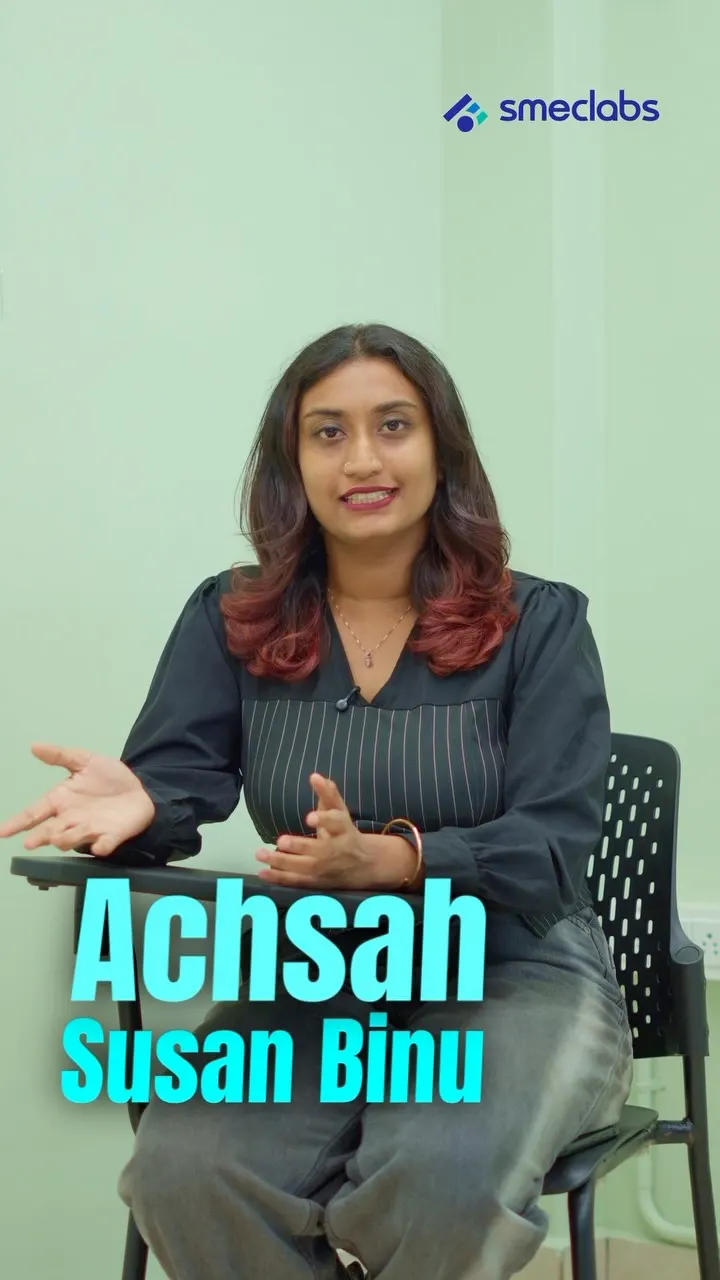
Meet Achsah, who completed her Industrial Automation course at SMEClabs and has now taken a new step forward in her career as a Testing…

November 2026 · Reel
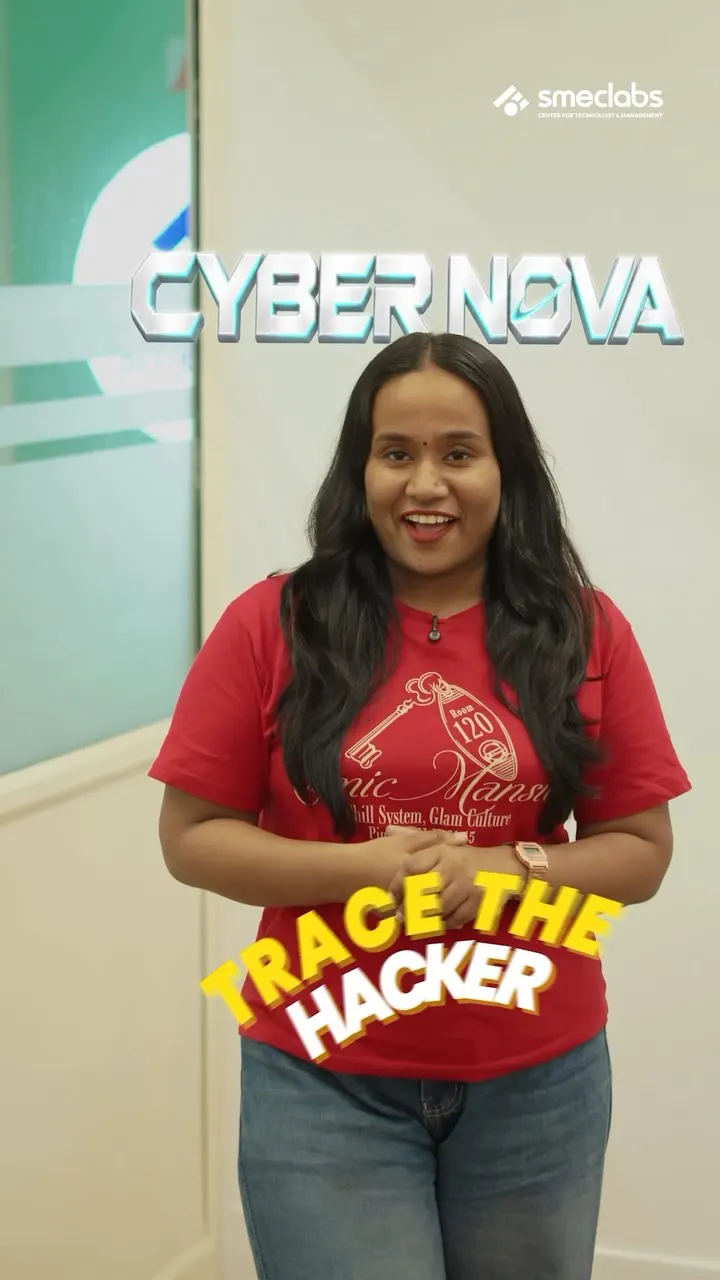
CYBER NOVA 2.0 – TRACE THE HACKER 🔥🙌🏻

CYBER NOVA 2.0 – TRACE THE HACKER 🔥🙌🏻

Ready to put your hacking and networking skills to the ultimate test? A thrilling 10 phase hacking challenge exclusively for SMEClabs…

November 2026 · Reel
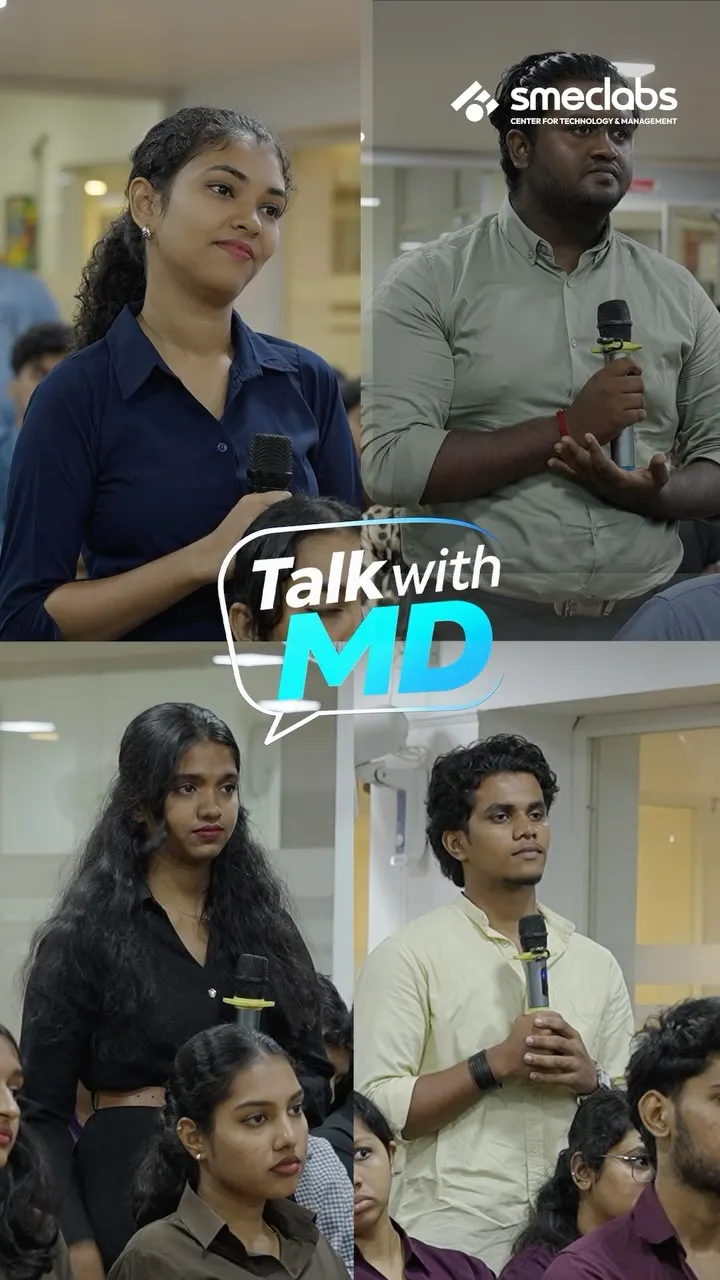
A wonderful session filled with meaningful conversations, valuable insights, and memorable interactions 👀

A wonderful session filled with meaningful conversations, valuable insights, and memorable interactions 👀

We are truly grateful for your time, patience, and the thoughtful answers you shared with us 😌 Your perspectives and experiences made the…

November 2026 · Reel
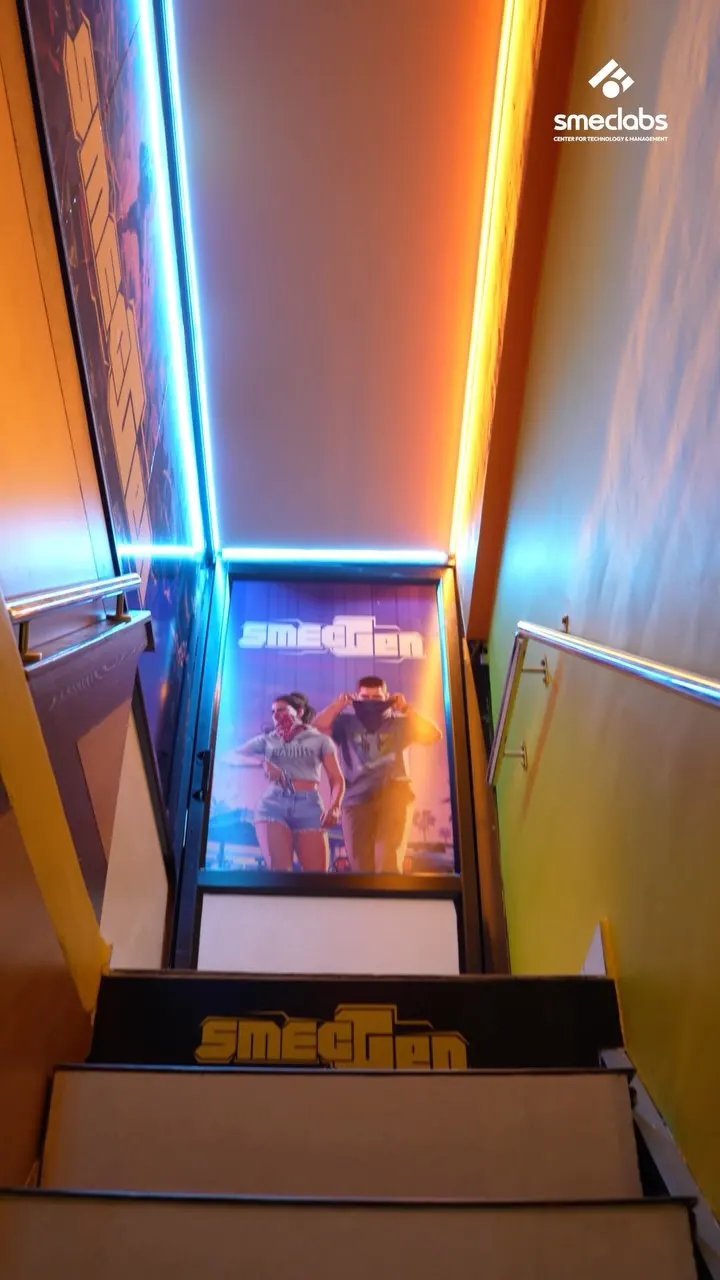
Let the games begin! Welcome to SmecGen – The Game Zone!🥳❤️‍🩹

Let the games begin! Welcome to SmecGen – The Game Zone!🥳❤️‍🩹

A space to take a break from the routine, set your mind free, and enjoy the excitement of gaming! SmecGen brings together fun, laughter…

November 2026 · Reel

Follow @smeclabs_official on Instagram ↗

Trusted by genius people.

SMEClabs have paved the way for several candidates to get their dream job.

Our Students Projects

Learning options & certification

Shareable Certificate

International & National Level Certification.

Online Graphic Design Course

Start instantly and learn at your own schedule,Graphic Design Course, Quick to become a professional.

Classroom Graphic Design Course

Get Flutter Course in Classroom at limited locations. Kochi Kerala.

Practical only subscription

Subscription for remote lab connectivity. 24x7

Flexible Schedule

Set and maintain flexible deadlines.

Best Graphic Designing Course Kochi Kerala

Explore the course & training

The SMEClabs Advantage: Where Training Meets Reality

World-Class Infrastructure

Our Cochin headquarters boasts a massive 40,000 sq. ft. hands-on lab facility, one of the largest in the country.

Real-World Exposure

Gain exclusive insights into SMEClabs' Graphic Design division. Explore real-time creative workflows, branding projects, digital illustrations, and marketing designs developed for industry-focused applications.

Expert Mentorship

Benefit from direct knowledge imparted by professional graphic designers and creative individuals. Our course structure is more than just theoretical; it focuses on practical and professional knowledge within the realm of graphic design.

Course overview & industry context

As the R&D and training division of SMEC Automation—one of India’s leading EPC companies—SMEClabs provides more than just a certification. We provide an ecosystem of excellence.

Courses

NEW COURSE Language: Malayalam

SMEC MEDIA SCHOOL

What does SMEC Media School's Graphic Designing Courses in Kochi offer?

SMEC Media School, you can pursue a professional course in Adobe Photoshop, Illustrator, InDesign, and Motion Graphics. The course is designed in such a way that it will help you transform your passion for graphic design into an industry career. This includes learning about branding, typography, and digital publishing.
The emphasis is more on practical knowledge rather than theoretical concepts, and you will be able to do some actual projects. Portfolio development is one of the key components of this course. Apply Now Placements

Training approach & opportunities

Your Golden Opportunity Awaits

What makes this the perfect time to build a graphic design career, and how does SMEClabs help me seize this opportunity?

In today’s rapidly expanding digital world, graphic design is one of the most in-demand creative skills. Businesses globally, including those in Kerala, rely heavily on visual communication to build brand identities and engage audiences across advertising, social media, marketing, and web development. To help you capitalize on this growing demand, SMEClabs offers industry-oriented training programs designed for freshers, students, and professionals alike. You will receive practical, hands-on training in core tools and concepts:

  • Software Mastery: Adobe Photoshop, Illustrator, InDesign, CorelDRAW, and Canva.
  • Core Concepts: Branding, logo design, social media creatives, UI design concepts, and digital content creation.

With expert trainers, modern lab facilities, and real-time project exposure, SMEClabs equips you with the creative confidence and technical expertise needed to launch a rewarding career in advertising agencies, digital marketing companies, or as a freelance designer in 2026 and beyond.

Graphic Designing Video Editing Course

FAQ for Graphic Design Courses

Is graphic designing a good career choice in 2026?
We can see opportunities for graphic designers from gaming to construction, so opportunities in this sector are vast. What matters is the skills that you have in this sector. If you have strong skills and a strong portfolio to showcase them, you will have good career growth and good pay.
What are the highest-paying design careers in India in 2026?
  • UI/ UX designers
  • Creative designers
  • Illustration artist
  • Branding promoters
  • Automotive designers
  • Film industry
  • Creative director
What are the major industries in which graphic designers will get a job?
  • Advertisement
  • Film industry
  • Web Designing
  • Gaming
  • Automotive designing
  • Brand development
  • Packaging designing
  • Printing and publications
Which is the best institute to start a career in graphic design?
SMEClabs is the best graphic design course provider in Kerala. SMEClabs has more than 25 years of expertise in the education sector, so if you want quality learning, this is the right choice for you.
What is the syllabus and what software is covered in SMEClabs?
Core Programs: Adobe Photoshop (bitmap images), Adobe Illustrator (vector graphics), Adobe InDesign (web/digital design), Premiere Pro, After Effects (motion graphics), and Blender.Gen AI in Design: Training on how to incorporate gen AI software in design to generate assets, design layouts, and do edits more quickly.
DesignBasics: Theory of color, typography, brand identity, grid systems, packaging design, and user interface design.
What is the basic eligibility criteria to join SMEC Media School?
All that is required for these programs is a Plus Two degree or a diploma/degree in any discipline. Since these courses begin from the ground up, no prior knowledge of engineering, IT, or computer programming is required to enroll.

Your next chapter

Find the right training for you.

Talk to our team about Graphic Design Courses Kerala.

Speak to admissions
Ask us